
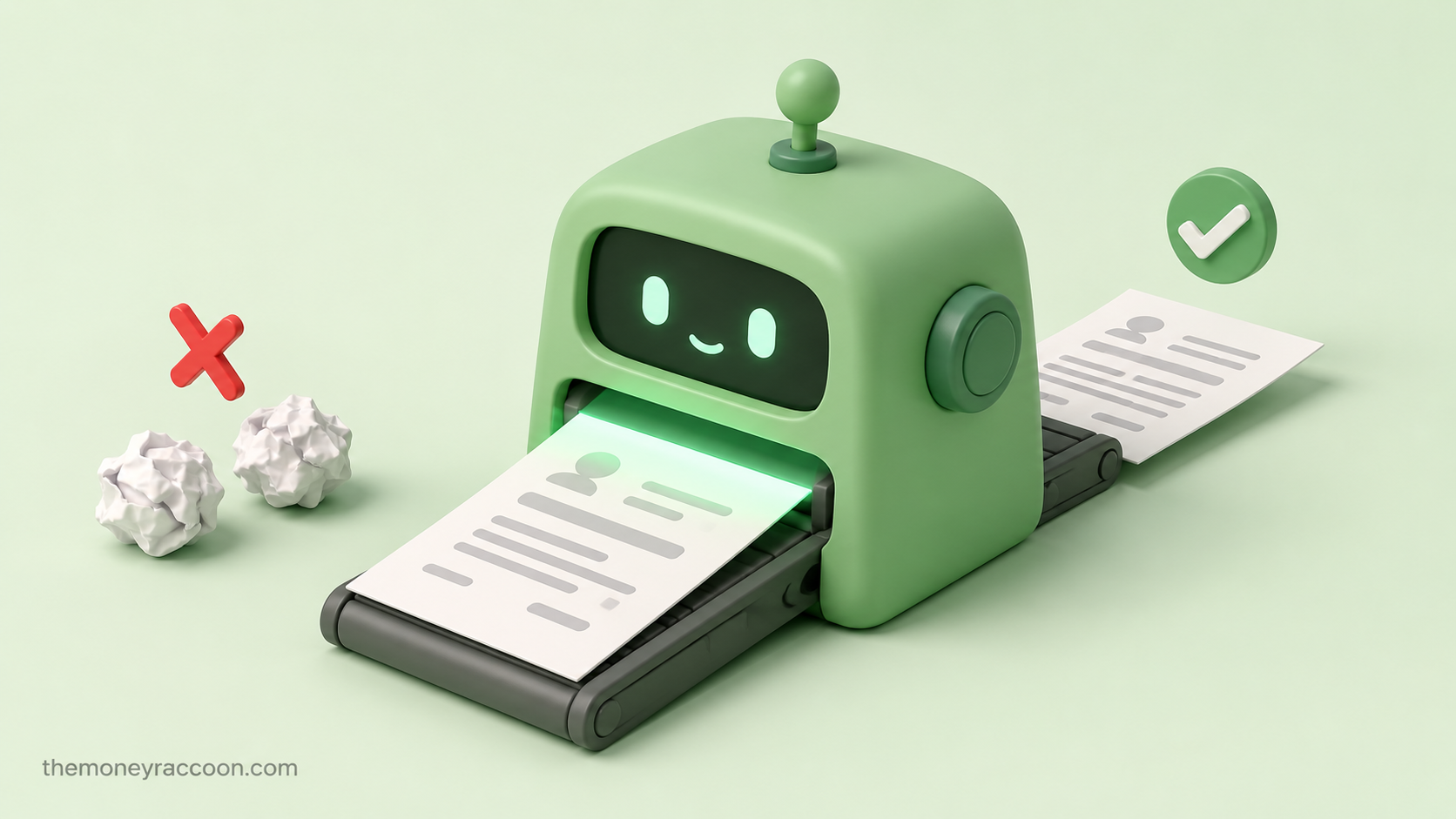
Learning how to beat the ATS resume screening stopped being optional this year: 82% of companies now use AI to screen resumes, and in half of them, the AI rejects candidates with zero human review. Your resume’s first reader is almost certainly a machine — and if it fails that reading, no human ever knows you applied.
Here’s the part that should make you angry, then strategic: 88% of employers themselves admit their ATS screens out highly qualified candidates over formatting issues and missing keywords. Not weak candidates — qualified ones, filtered out by a parsing error or a synonym the software didn’t connect.
The fix isn’t gaming the system with hidden white text (that gets you auto-rejected). It’s understanding what the machine actually reads, giving it exactly that, and keeping the human touch for the human who reads page two.
This guide covers both layers: the 8-step checklist that gets you past the robot, and the personalization rules that stop the recruiter from bouncing you afterward.
The two-minute answer: To beat the ATS resume screening: use a clean single-column layout with standard fonts, mirror the exact keywords from the job description (including the exact job title), use standard section headers like “Work Experience” and “Skills,” submit as .docx or text-based PDF, spell out acronyms once, quantify results with numbers, skip graphics/tables/headers, and tailor every application — generic AI-written resumes are now rejected by 62% of hiring managers.
What Actually Happens in the First 5 Minutes
When you click “submit,” three filters run before any human is involved:
Filter 1 — Parsing. The ATS converts your resume into structured data: name, titles, employers, dates, skills. Fancy layouts break this step — text in headers, columns, tables, or graphics often gets scrambled or dropped entirely. Roughly 70% of ATS rejections are formatting-related, which means most people lose before the content is even judged.
Filter 2 — Matching. The software (increasingly an AI layer on top of the classic ATS) scores your parsed resume against the job description: keywords, titles, years of experience, skills. Below the threshold, you’re filtered out. As Forbes puts it, AI is rejecting your resume before humans see it — and in many companies, that rejection is final with no appeal and no review.
Filter 3 — The human skim. Survive both machines and a recruiter gives you 6–8 seconds. This is where over-optimized, obviously AI-generated resumes die: 49% of hiring managers auto-dismiss resumes they suspect are AI-written, and 62% reject AI resumes that lack personalization.
The winning resume passes all three — machine-readable, keyword-matched, and unmistakably human.
How to Beat the ATS Resume Screening: The 8-Step Checklist
1. Use a boring, beautiful layout. Single column. Standard fonts (Calibri, Arial, Georgia). No text boxes, no tables, no columns, no photos, no icons. Your contact info goes in the body, never in the document header — many parsers skip headers entirely.
2. Mirror the exact job title. If the posting says “Customer Success Manager” and your last title was “Client Happiness Lead,” write: “Client Happiness Lead (Customer Success Manager).” The match algorithm looks for the posting’s words, not your company’s creative titling.
3. Harvest keywords from the job description. Highlight every skill, tool, and qualification in the posting. The ones you genuinely have go into your resume — in the same words the posting uses. “Managed social media” ≠ “social media management” to a keyword matcher. Use their phrasing.
4. Spell out acronyms once. “Search Engine Optimization (SEO)” covers both search patterns. Same for certifications: “Certified Public Accountant (CPA).”
5. Use standard section headers. “Work Experience,” “Education,” “Skills,” “Certifications.” The parser is trained on these. “My Journey” and “What I Bring” confuse it.
6. Quantify everything you can. “Cut processing time 40%,” “managed $250K budget,” “trained 12 new hires.” Numbers survive parsing perfectly, score well with AI evaluators, and are the first thing human eyes catch in the 6-second skim.
7. Submit .docx or text-based PDF. Both parse reliably in modern systems. Never submit an image-based PDF (if you can’t select the text with your cursor, neither can the ATS). Skip Canva exports — many render as images.
8. Tailor, then humanize. Adjust keywords and the top summary for each application — then add the two things AI can’t fake: a specific detail about the company, and one line only you could write. Generic is the rejection trigger, not AI itself — recruiters reject template-smell, and with 60–80% of resumes now showing AI authorship, the personalized ones stand out more than ever.
The 7 Resume Killers (and the 2-Minute Fixes)
| Resume Killer | Why It Fails | The Fix |
|---|---|---|
| Two-column layout | Parser reads across, scrambles everything | Single column, top to bottom |
| Contact info in header | Many parsers skip document headers | Move to first lines of body |
| Skills shown as graphics/bars | Images are invisible to the ATS | Plain text list |
| Creative job titles only | No keyword match with the posting | Add standard title in parentheses |
| Image-based PDF | Zero readable text | Export as text-based PDF or .docx |
| One generic resume for all jobs | Low match score everywhere | Tailor keywords per application |
| 100% AI-written, zero personal detail | 49% of recruiters auto-dismiss on suspicion | Add company-specific, human lines |
Run your final file through one test: select the text with your cursor. If you can select and copy every word cleanly, the ATS can read it too.
Beyond the Resume: Stack the Odds
- Apply early. Screening thresholds get stricter as applications pile up; the first 48 hours of a posting are the softest window.
- Use the network bypass. A referral typically skips the ATS entirely or flags you for human review — one LinkedIn message to a current employee is worth fifty cold applications.
- Match your LinkedIn to your resume. Many AI screeners cross-check both; mismatched titles or dates read as red flags.
- Aim at the right openings. ATS-heavy screening is worst at giant companies. Mid-size companies and remote-first employers that hire continuously often have lighter filters — and if you’re job hunting because you need income now, these faster options bridge the gap while applications process.
- Use AI as your assistant, not your author. Let it extract keywords from the posting and check your match — that’s the productive way to put AI to work — but write the summary and the personal lines yourself. You’re optimizing for a machine first and a human second; the winners satisfy both.
FAQ: How to Beat the ATS
- What percentage of resumes get rejected by ATS? It varies by company and posting volume, but employers themselves report the filters are aggressive: 88% admit qualified candidates get screened out over formatting and keywords. The famous “75% auto-rejected” stat is unverified — but with 82% of companies using AI screening and half rejecting without human review, the machine gate is very real.
- Can ATS read PDF resumes? Modern systems read text-based PDFs reliably. The danger is image-based PDFs — files exported from design tools where the text isn’t selectable. Quick test: if you can highlight and copy the text with your cursor, the ATS can parse it. When in doubt, .docx is the safest format.
- Do keywords really matter for ATS? Yes — matching is the core of the score. The software compares your resume’s terms against the job description’s terms, often literally. Use the posting’s exact phrasing for skills and titles you genuinely have, spell out acronyms once, and never stuff keywords you can’t back up in an interview.
- Is it OK to use AI to write my resume? As an assistant, yes; as the author, it backfires. 49% of hiring managers auto-dismiss resumes they suspect are AI-generated, and 62% reject AI resumes lacking personalization. Use AI to extract keywords and check your match against the posting — then write your summary and achievements in your own words with specific, verifiable details.
- How do I know if my resume is ATS-friendly? Three checks: (1) all text selectable with your cursor, (2) single-column layout with standard section headers, (3) the job posting’s key skills and title appear in your text. Free ATS-scan tools can score the match, but those three checks catch the failures that matter most.
Data sources: JobCannon — AI resume statistics 2026, The Interview Guys — How many companies use AI to review resumes, Forbes — Why AI is rejecting your resume before humans see it, Resume Now — 62% of employers reject unpersonalized AI resumes, U.S. Chamber of Commerce — Hiring managers and AI applications.

Personal finance writer, founder and editor of The Money Raccoon — 5 years in the industry and 1,000+ articles published in the finance niche. I turn complex money rules — credit scores, debt, banking and investing — into plain-English guides backed by primary sources and real numbers. Every guide here is fact-checked against the institutions that publish the data and updated when the numbers change.